October 19, 2026
Stream Clipping: From Live Broadcast to Posts
Streamers go live for hours at a stretch, often daily, and their fans want the highlights without sitting through all of it. That's where clippers come in: watch the broadcast, pull out the moments, and turn each one into a post that works for someone who never saw the stream.
Stream campaigns on SEMA nearly always want the same result: new viewers for the streamer's channel. Every post you make is an advert for their next broadcast.
Begin with the campaign
The brief names the streamer and the channel, and often the kind of moment the brand is after. Clip only the broadcasts it allows. How to Choose Source Material for Clips covers what you can and can't use, and the Streamers section of Clipping by Niche covers the account to build.
Types of stream, and where they do best
| Type of stream | Moments that land | Best platforms |
|---|---|---|
| Gaming (Mobile Legends, shooters, battle royale) | Clutch plays, fails, the round that settled it | TikTok, YouTube Shorts |
| Just chatting | Stories, replies to chat, hot takes | TikTok, X |
| IRL | Whatever happens to the streamer out and about | TikTok, Instagram Reels |
| Talk and podcast streams | Opinions and arguments | YouTube Shorts, X |
| Music and cooking | The performance, the result, the disaster | TikTok, Instagram Reels |
Choose the types you know. A clipper who plays the game spots the play that matters faster than one who doesn't.
Finding the moments
- Watch live when you can. You catch the moment as it happens and can cut it before anyone else does.
- Go back through the replay, notes in hand. Write down every timestamp worth a post.
- Follow the chat. When the chat goes wild, something happened. Many replays show the chat alongside the video.
- Check the platform's own clips. On a lot of streaming sites, viewers clip the best bits themselves; see what they picked, then go to the original and make your own edit.
- Keep an eye on the community. The streamer's Discord, and the people talking about them, tell you which moment everyone is about to share.
A long stream holds plenty of posts. The Academy lesson Turn one long video into ten clips shows how to work through one.
Cutting a stream post
Layout
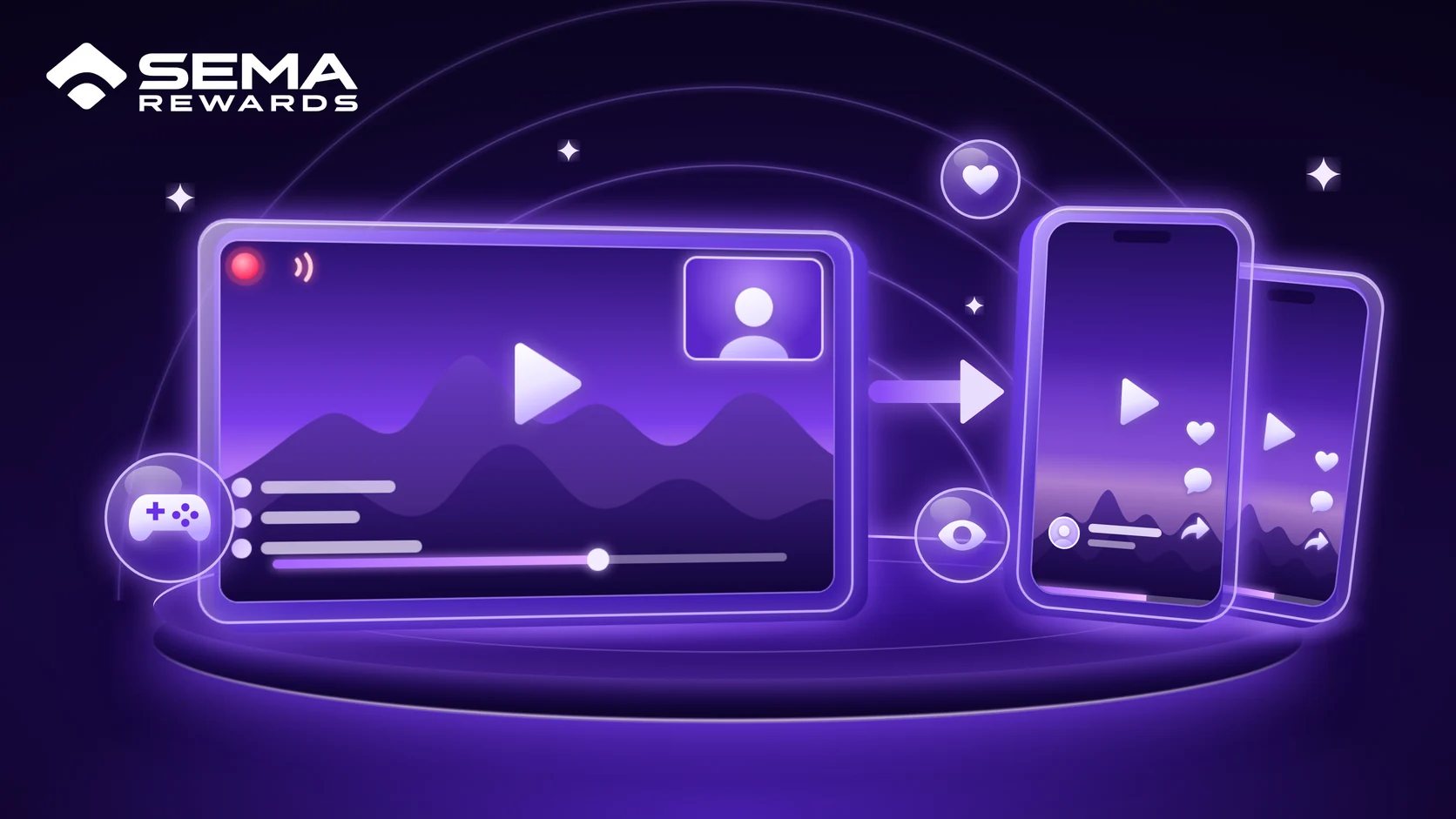
Streams are wide and phones are tall. The layout that suits most stream posts:
- Facecam on top, action underneath, each cropped to fill half the 9:16 frame. The face gives the reaction; the gameplay gives the reason.
- Face only for a just-chatting or IRL moment, where the reaction is the whole point.
- Game only for a play that needs the full screen, with a small facecam in one corner.
Structure
- Start on the action. Begin a second before the play or the reaction, not on the build-up.
- Keep the reaction. The streamer's face and voice in the moment are what separate a stream post from plain gameplay footage.
- One line of context. "Last one standing, 1 HP." Your viewers didn't see the stream.
- 15 to 45 seconds for most moments.
- Show the chat when it's part of the moment, cropped so it's readable.
Sound and text
- Balance the audio. The streamer's voice above the game, with donation alerts and music turned down so they don't drown it out.
- Subtitles for every spoken line, clear of the platform's buttons.
- Zoom in on the reaction that makes the moment.
Speed
Stream moments go stale quickly. Tonight's moment posted tonight reaches people while they're still talking about it; the same moment two days later is up against every other clip of it. Where you can, clip on the day the stream ends.
On SEMA, submit each post as soon as it's live: every campaign has a submission window that starts when the post goes up, 12 hours unless the campaign says otherwise, and an older post can't be submitted. On a CPM campaign the post counts from its very first view, so submitting early never costs you anything.
Getting started
- Pick one or two types of stream you know well, and a campaign for each.
- Build one account per streamer or scene. Make it obvious that it's a clip account, for example with "clips" in the name, and never pretend to be the streamer: platforms remove accounts that impersonate people.
- Verify it on SEMA with the code in its bio. Each platform guide covers this: TikTok, YouTube Shorts, Instagram Reels, X.
- Turn on notifications for the streamer's broadcasts, and join their Discord.
- Begin with the obvious moments: the big play, the fail, the reaction that had everyone laughing.
- Post at least 10 a day, spaced out, and use your analytics to see which kinds of moment keep viewers watching. How to Increase Your Views explains why volume matters.
Habits that cost stream clippers money
- Too much build-up. Open on the moment.
- Cropping out the facecam. The reaction is half the post.
- The game louder than the streamer. Balance the audio.
- Posting wide footage as it is. Crop it for a phone.
- No context. Someone who doesn't know the streamer needs one line to follow along.
- Being slow. Yesterday's moment is already old.
- Reuploading someone else's clip, including clips viewers make on the streaming site. Go back to the original broadcast and make your own edit. Reposts are rejected.
Common questions
Do I need permission to clip a streamer? On SEMA, the campaign is your permission: the brief names the streamer and the broadcasts you may use. Outside a campaign, the footage belongs to the streamer.
How do I get through an eight-hour stream? You don't watch all of it. Use the chat, the viewers' clips and the community to find the spikes, then watch those parts properly.
How fast do I need to be? The same day the stream ends is best for most moments, and within hours for anything people are arguing about.
Learn it live
Every lesson linked above is in the SEMA Academy, free with your creator account, and the SEMA Rewards Discord runs a free daily class where you can ask about your own posts. No account yet? Create one free at semarewards.com.